mirror of
https://github.com/dokploy/dokploy.git
synced 2026-06-13 19:09:49 +00:00
 Mauricio Siu
4f6e57cc9c
Mauricio Siu
4f6e57cc9c
- Removed the selection of SSO providers from the UI, streamlining the process to enable/disable SSO for domains.
- Updated the API to eliminate the need for a provider ID when enabling forward authentication, relying on the configured settings instead.
- Enhanced user feedback by updating toast messages to reflect the current state of SSO authentication.
- Improved the UI layout for better clarity on SSO status and actions.

This refactor enhances the user experience by simplifying the SSO configuration process and ensuring clearer communication of actions taken.

Join us on Discord for help, feedback, and discussions!

Dokploy is a free, self-hostable Platform as a Service (PaaS) that simplifies the deployment and management of applications and databases.
✨ Features
Dokploy includes multiple features to make your life easier.
- Applications: Deploy any type of application (Node.js, PHP, Python, Go, Ruby, etc.).
- Databases: Create and manage databases with support for MySQL, PostgreSQL, MongoDB, MariaDB, libsql, and Redis.
- Backups: Automate backups for databases to an external storage destination.
- Docker Compose: Native support for Docker Compose to manage complex applications.
- Multi Node: Scale applications to multiple nodes using Docker Swarm to manage the cluster.
- Templates: Deploy open-source templates (Plausible, Pocketbase, Calcom, etc.) with a single click.
- Traefik Integration: Automatically integrates with Traefik for routing and load balancing.
- Real-time Monitoring: Monitor CPU, memory, storage, and network usage for every resource.
- Docker Management: Easily deploy and manage Docker containers.
- CLI/API: Manage your applications and databases using the command line or through the API.
- Notifications: Get notified when your deployments succeed or fail (via Slack, Discord, Telegram, Email, etc.).
- Multi Server: Deploy and manage your applications remotely to external servers.
- Self-Hosted: Self-host Dokploy on your VPS.
🚀 Getting Started
To get started, run the following command on a VPS:
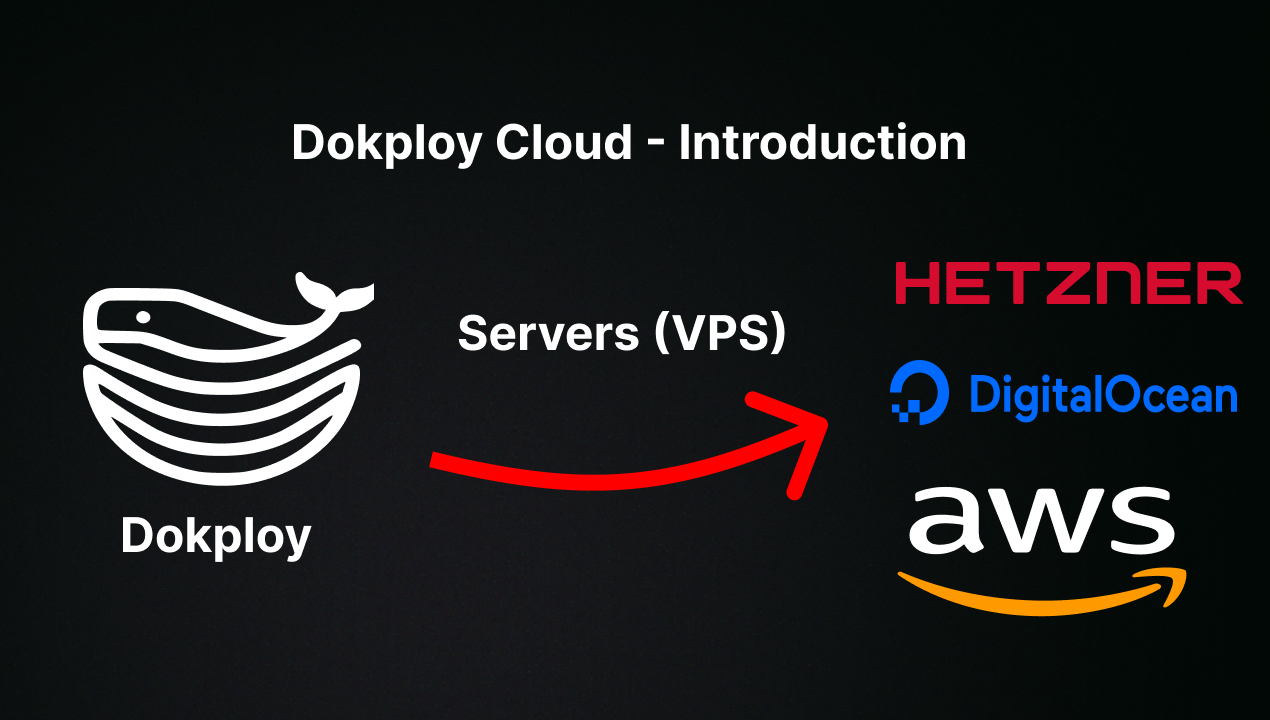
Want to skip the installation process? Try the Dokploy Cloud.
curl -sSL https://dokploy.com/install.sh | bash
For detailed documentation, visit docs.dokploy.com.
Contributors 🤝
📺 Video Tutorial
🤝 Contributing
Check out the Contributing Guide for more information.